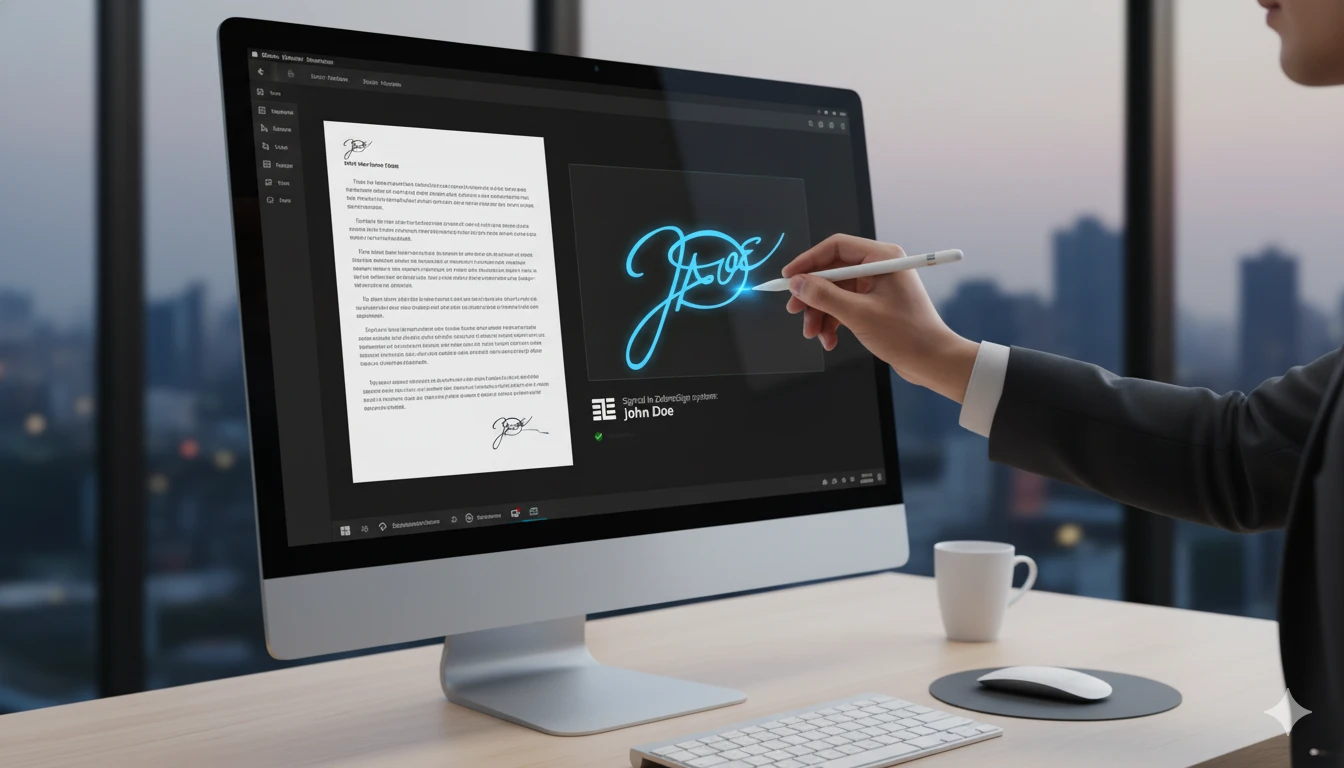
To choose the most suitable electronic signature solution for your business, three main criteria must be evaluated: legal validity (simple vs. qualified signature), integration capabilities (API, CRM interfaces), and compliance with EU regulations (eIDAS, GDPR).
The market is dominated by solutions that not only replace paper but also automate processes. Below, you will find a detailed guide to help you make a quick decision, along with a comparative analysis.
Business processes are becoming increasingly digital. According to P&S Intelligence, the European e-signature market is projected to reach $10.5 billion by 2030. This growth is driven by the rise of remote work and stricter, yet business-friendly, regulations.
If your company is still signing paper documents, you are not only wasting time but also compromising document security. Here are 7 steps on how to choose a system and avoid common mistakes.
This is the first and most important step. Not all documents require the highest level of security, so it is important to distinguish between the concepts.
Before purchasing an electronic signature platform for your business, answer the following questions:
Tip: If you work with international partners, choose a solution that complies with all EU eIDAS standard requirements.
Security is a critical factor. Your chosen platform must comply with eIDAS (EU Regulation on Electronic Identification) and GDPR (General Data Protection Regulation).
Fabasoft reports that the new eIDAS 2.0 version encourages the use of the European Digital Identity Wallet (EUDI)—aiming for 80% of EU citizens to use it by 2030. When choosing a provider, check if they are preparing for these changes. A qualified signature will always guarantee the highest security.
The best electronic signature for business is the one you “don’t see”—it is integrated into the systems you already use (CRM, ERP, document management systems).
If the system is complex, employees won’t use it. When testing platforms, pay attention to:
Our experience with ZebraSign shows that a simple user interface can reduce document signing time from several days to just a few minutes.
Even the best tool won’t work without team engagement.
Don’t wait for competitors to outpace you in efficiency. Start with an audit review, which documents you sign most frequently, and try ZebraSign or another reliable platform today.
Choosing an electronic signature solution requires evaluating real business needs, considering signature types, security levels, integration capabilities, and legal requirements. A qualified signature provides the highest legal protection, while API integrations and mobile apps make processes fast and convenient. Regularly review solutions, test innovations, and choose trustworthy providers—then the e-signature will become a true asset.
Electronic logbooks are digital software solutions that automate record-keeping, approval workflows, and data storage for businesses. By replacing manual paper logs with digital entries, small businesses can reduce administrative errors by up to 90%, cut storage costs, and ensure strict regulatory compliance.

Most companies no longer buy printers – they buy tablets. Why? Because signing a document has become as simple as tapping the screen. With ZebraSign, signing on a tablet becomes a natural part of work – paperless, instant, and legally valid.

Learn how to save time and money when handling documents. This article explains how to select the right electronic document management system (DMS), maintain data security, and streamline daily tasks. The practical advice will help you find a system that works right away, without extra bureaucracy.
Do you want to be always informed? Subscribe to our newsletter and get the latest information straight to your inbox. Exclusive articles, market trends and breaking news are waiting for you! Subscribe now and don’t miss out on the most important events!


